










Key Insights
- Google Business Profile (GBP) is a free yet vital tool that Australian businesses can use to boost local visibility, attract more foot traffic, and enhance their online reputation.
- Proper GBP setup is essential for improving local SEO and ensuring your business shows up in Google Search and Google Maps.
- The setup process involves updating your business details, uploading photos, gathering reviews, sharing posts, and listing services to make your business stand out in local searches.
- This guide provides easy-to-follow, step-by-step instructions with visual aids to help you set up your GBP efficiently.
- DigiTotal offers a Free GBP Audit to help you optimize your profile and improve your local search visibility.
Introduction
In 2026, setting up a Google Business Profile (GBP) is crucial for Australian businesses aiming to improve local SEO and attract more customers. With Google Search and Google Maps being the go-to platforms for discovering local businesses, an optimized GBP can significantly enhance your online presence. This guide walks you through the entire GBP setup process, providing screenshots and expert tips to help you maximize your visibility.
Table of Contents
- What is Google Business Profile (GBP)?
- Why GBP Matters for Australian Businesses
- A Step-by-Step Guide to Setting Up Your GBP
- Key Elements to Optimize on Your GBP
- How to Verify Your Google Business Profile
- Troubleshooting Common GBP Issues
- Best Practices for Maintaining Your GBP
- Key Trends in Local Search for 2026
- Conclusion
- FAQs
What is Google Business Profile (GBP)?
Google Business Profile (GBP) is a free tool offered by Google that allows businesses to manage their online presence across Google Search and Google Maps. With a properly set-up GBP, businesses can display essential details such as name, address, contact info, and hours of operation.
For Australian businesses, GBP is vital for local SEO. When users search for nearby services or products, a well-optimized GBP often appears among the first results, giving businesses a strong chance to increase visibility, build trust, and attract more customers.
An optimized GBP can help your business:
- Appear in local search results
- Gain customer trust through reviews and ratings
- Showcase important business info
- Promote special offers and discounts
- Provide location-based data on Google Maps
Having a complete and accurate GBP setup is crucial for improving local exposure and strengthening your online presence.
Why is Google Business Profile Important for Australian Businesses?
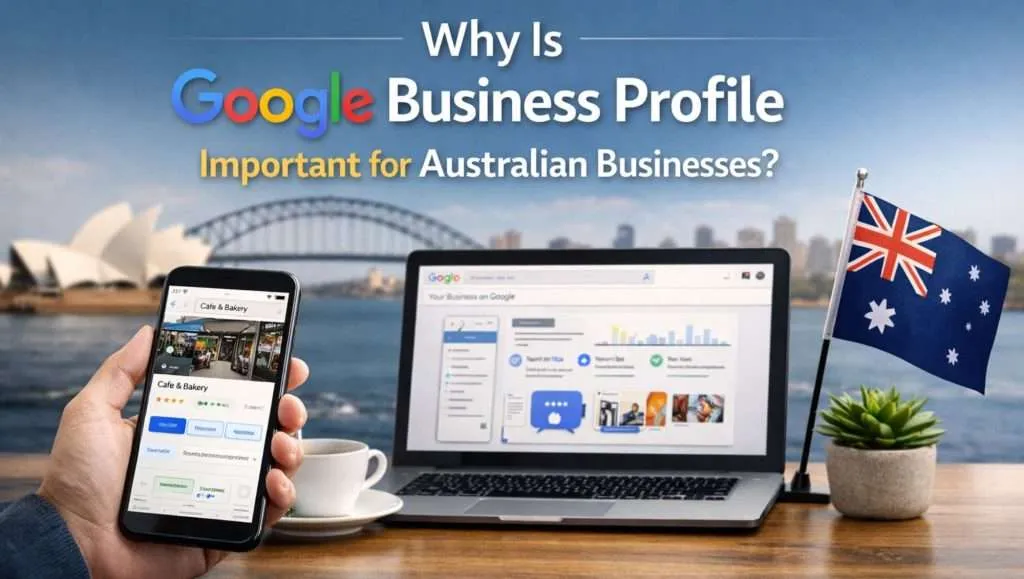 GBP is one of the most effective ways for Australian businesses to boost their local search visibility. Here’s why it’s so important:
- Dominance in Local Search:
Many Australians use Google to find services with location-based queries, like “plumbers near me” or “best cafes in Melbourne.” A well-optimized GBP ensures your business appears in local searches and on Google Maps when customers search for services in your area. - Boosted Credibility:
GBP allows customers to leave reviews and ratings, which help establish your business’s trustworthiness. Positive reviews increase the likelihood that potential customers will choose your business. - Direct Engagement with Customers:
Your GBP enables easy interactions with customers through click-to-call, messaging, and appointment booking features, simplifying lead capture and conversions. - Increased Visibility on Google Maps:
With an optimized GBP, your business will be prominently displayed on Google Maps, making it easier for customers to find your location and learn more about your offerings. - Free Marketing:
Optimizing your GBP is essentially free advertising. Google provides this tool to help businesses gain visibility without the need for paid ads, making it an excellent marketing opportunity.
Step-by-Step Guide to Setting Up Your GBP
Setting up your GBP is straightforward and free. Follow these steps to get started:
- Create or Claim Your Google Business Profile:
- If you already have a listing, claim it by following the instructions.
- Visit Google Business Profile and click “Start Now.”
- Sign in with your Google account.
- Enter your business name and address.
- If your business serves customers at their locations (e.g., delivery or service-based businesses), select “Yes” when asked if you deliver to customers outside your location.
- Add Your Business Information:
Enter key details about your business:- Business Name: Ensure it matches your official name.
- Address: Provide your physical address, or select “Service Area Business” if you don’t have a storefront.
- Business Hours: Add operating hours to inform customers of when you’re available.
- Phone Number: Add a contact number for customers.
- Website URL: Provide your website link (if applicable).
- Select Your Business Category:
Choose a category that best fits your business (e.g., restaurant, plumber, hair salon). This ensures your business shows up in relevant searches. - Verify Your Business:
Google will ask you to verify your business. Verification methods include:- Postcard verification (for physical addresses)
- Phone verification (for eligible businesses)
- Email verification (for certain businesses)
- Upload Photos and Logo:
Visual content is essential for attracting customers. Upload high-quality images of your business, products, or services, and ensure your logo is clearly visible to enhance your brand identity.
Key Elements to Optimize on Your GBP
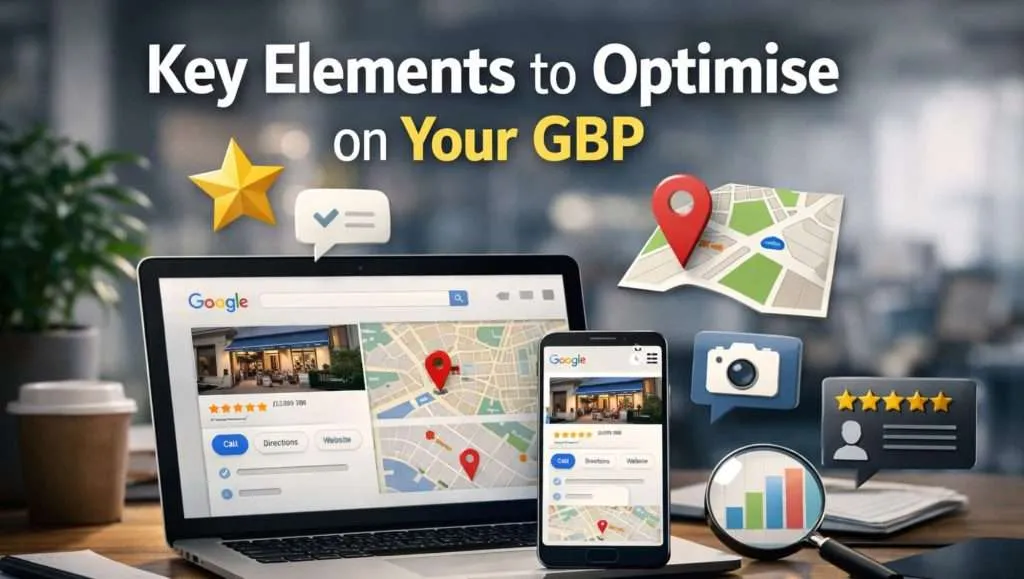
- Business Description:
Write a clear, concise description of your business, highlighting what you offer and why customers should choose you. Include relevant keywords. - Reviews and Ratings:
Encourage satisfied customers to leave positive reviews. Respond to feedback to show you value customer input. Positive reviews improve your chances of appearing in Position Zero or featured snippets. - Posts and Updates:
Regularly post updates about special offers, new products, or events. Posts engage customers and keep your business active in search results. - Products and Services:
List your products or services with descriptions, pricing, and photos. This helps potential customers understand your offerings before they visit or contact you. - Q&A Section:
Respond to questions posted by customers to clarify your business offerings and build trust.
How to Verify Your Google Business Profile
Verification is essential to ensure your business appears in local search results. Here’s how to verify:
- Verification by Post:
Google will send a postcard with a verification code to your business address. This process can take up to two weeks. - Verification by Phone:
If eligible, you may verify via phone by receiving a verification code. - Verification by Email:
For certain businesses, Google may offer email verification. Check your inbox for the code.
Troubleshooting Common GBP Issues
Here are some common GBP issues and how to resolve them:
- Incorrect Business Information:
Double-check your business name, address, and contact details. Ensure they’re consistent across your GBP, website, and other listings. - Suspended Listings:
Suspensions often occur due to inconsistencies in business details or violations of Google’s policies. Reach out to Google support for help. - Missing Reviews:
Ensure customers leave reviews under the correct business listing and check your GBP settings.
Best Practices for Maintaining Your GBP
- Regularly Update: Keep your business details, hours, and contact info up-to-date.
- Engage with Customers: Respond to reviews and interact via posts.
- Add Quality Images: Upload professional photos to attract more customers.
- Monitor Performance: Use GBP insights to track your profile’s performance and identify areas for improvement.
Key Local Search Trends for 2026
As local search continues to evolve, here are some trends to watch:
- Voice Search: With voice assistants becoming more popular, optimize for voice search queries like “near me.”
- AI Search Engines: AI-driven tools like Google AI will become more integrated with local search, making optimization crucial.
- Hyperlocal Search: Users are increasingly conducting searches focused on smaller geographic areas, emphasizing the importance of local SEO.
Conclusion
Setting up and optimizing your Google Business Profile (GBP) is one of the most impactful actions an Australian business can take in 2026. A fully optimized GBP improves your local SEO, boosts visibility, and enhances customer engagement. Whether you run a café, a plumbing service, or a retail store, an accurate and engaging GBP is crucial for long-term success.
DigiTotal is here to help you optimize your GBP for better local search visibility and higher-quality traffic. Our Free GBP Audit identifies areas for improvement, ensuring your profile maximizes its SEO potential.
Frequently Asked Questions (FAQs)
What is Google Business Profile, and why is it important for my business?
Google Business Profile (GBP) helps businesses manage their online presence in Google Search and Google Maps, which is crucial for local SEO. It allows businesses to appear in location-based searches, display reviews, and provide essential details such as operating hours and contact info.
How do I claim my Google Business Profile?
Claim your GBP by signing in to Google My Business, searching for your business, and verifying your details. You’ll then gain full control to update information, engage with customers, and track performance.
How can I optimize my GBP for better visibility?
To optimize your GBP, ensure your business name and category are correct, upload high-quality photos, encourage reviews, and regularly post updates. Additionally, monitor customer Q&As and keep your business info current.
What should I do if my GBP is suspended?
If your GBP is suspended, review Google’s guidelines and ensure your business info is consistent. If you believe the suspension was in error, contact Google My Business Support.
How do I track the performance of my GBP?
Use Google My Business insights to monitor search queries, customer actions (calls, visits, directions), and review feedback. These metrics help track how well your GBP is performing and where improvements can be made.